
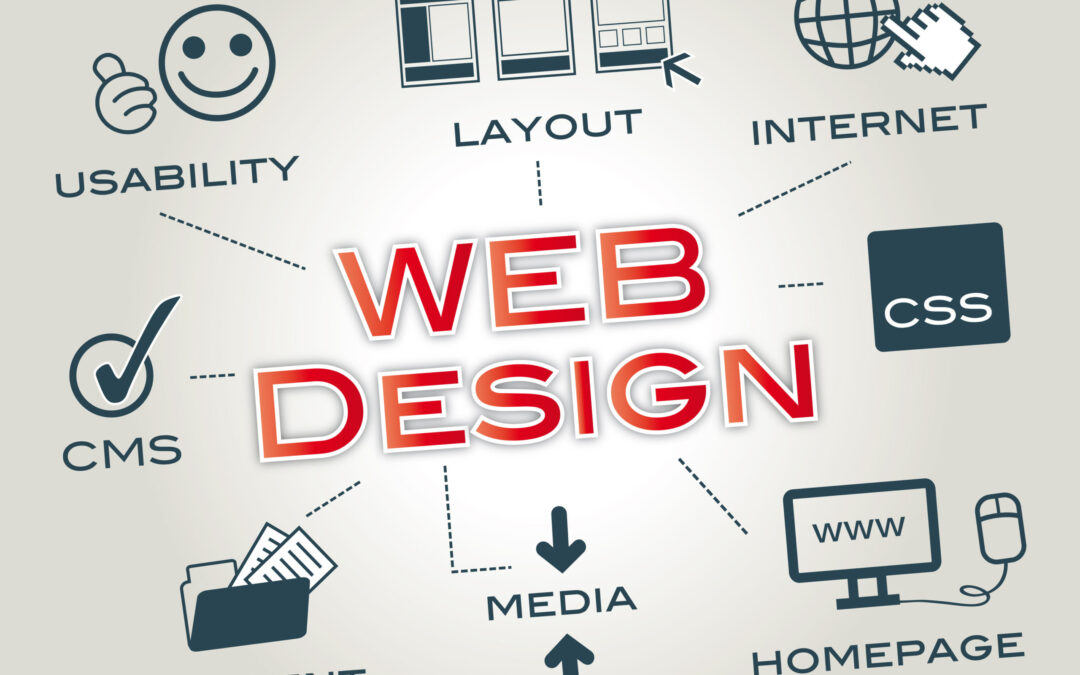
*Here’s a complete, step-by-step guide to Website Designing — from planning to launch and maintenance. 🌐
 🧭 1: Define Purpose and Goals
Before you start designing, clarify:
-
What is the purpose of the website? (e.g., portfolio, business, blog, eCommerce)
-
Who is the target audience?
-
What goals should the site achieve? (e.g., generate leads, sell products, showcase work)
📋 Example:
Purpose: Promote a local bakery
Goal: Increase online orders by 30% in 3 months

🧩2: Research and Planning
Do competitor analysis and plan your structure.
✅ Tasks:
-
Research competitor websites (design, layout, SEO)
-
Choose website type (static, dynamic, CMS-based, eCommerce)
-
Create a site map — list all pages (Home, About, Services, Contact, etc.)
-
Plan user flow (how users move through the site)
🛠 Tools:
-
Miro or – for flowcharts
-
Google Sheets – for sitemap planning

🎨 3: Choose Platform & Tools
Decide how you’ll build your website:
| Method | Best For | Tools |
|---|---|---|
| Website Builders | Beginners | Wix, Squarespace |
| CMS Platforms | Bloggers, Businesses | WordPress, Joomla |
| Custom Development | Developers | HTML, CSS, JS, React, PHP |
| eCommerce | Online stores | Shopify, WooCommerce |
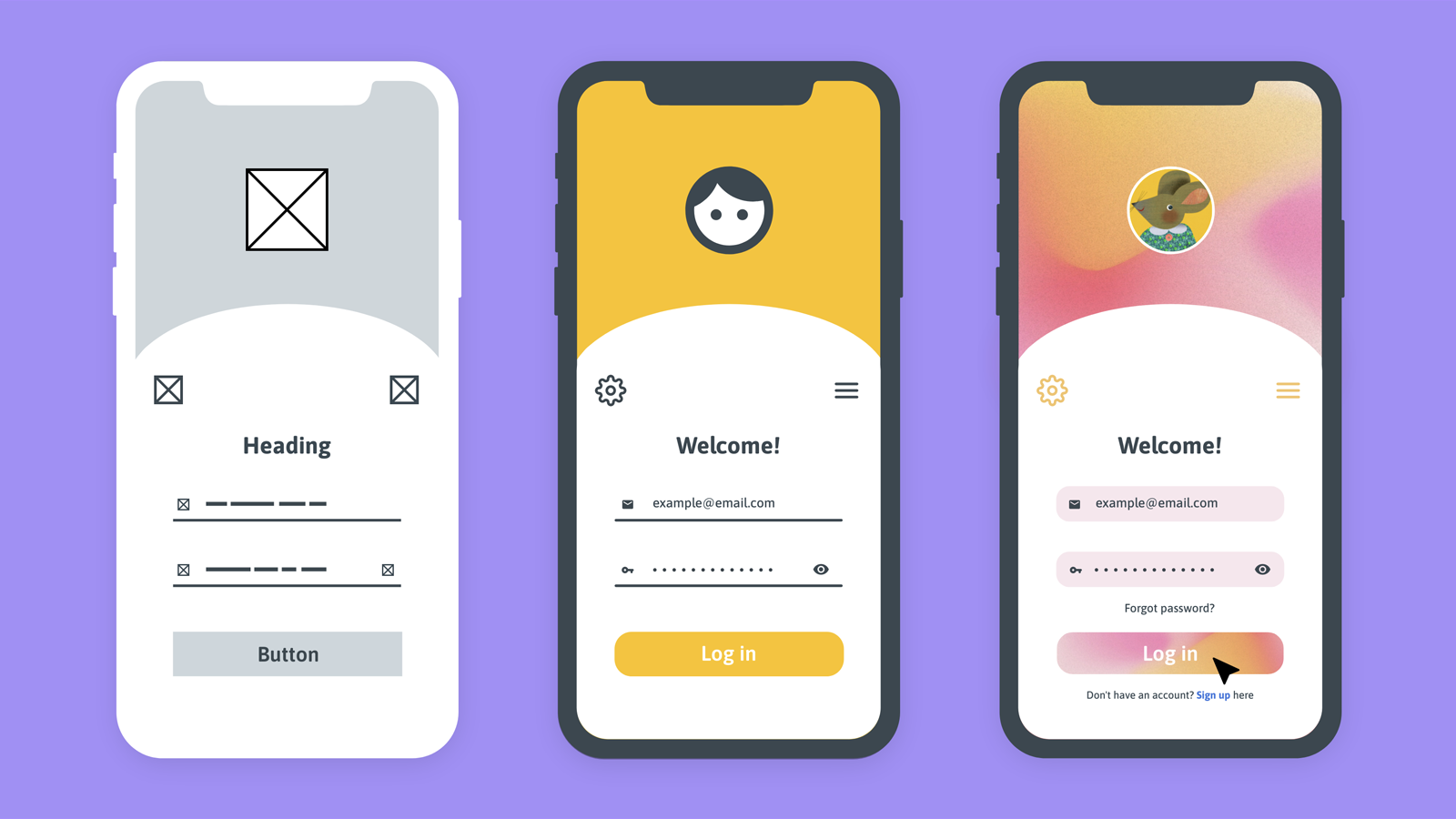 ✏️ 4: Wireframing & Design Mockups
Create a visual structure of the website.
✅ Tasks:
-
Sketch layout (Header, Navigation, Content, Footer)
-
Design UI mockups (fonts, colors, buttons)
-
Make it responsive (mobile-friendly)
🎨 Tools:
-
Figma / Adobe XD / Sketch – for UI design
-
Canva – for simple layouts
 💻 5: Start Development
Build your website based on the design.
🔹 Front-End (User Interface)
-
Languages: HTML, CSS, JavaScript
-
Frameworks: Bootstrap, React, Vue.js
🔹 Back-End (Server Side)
- Languages: PHP, Node.js, Python
-
Databases: MySQL, MongoDB
🔹 CMS Setup (if using WordPress)
- Buy domain + hosting
-
Install WordPress
-
Choose a theme
-
Add essential plugins (Yoast SEO, Elementor, etc.)
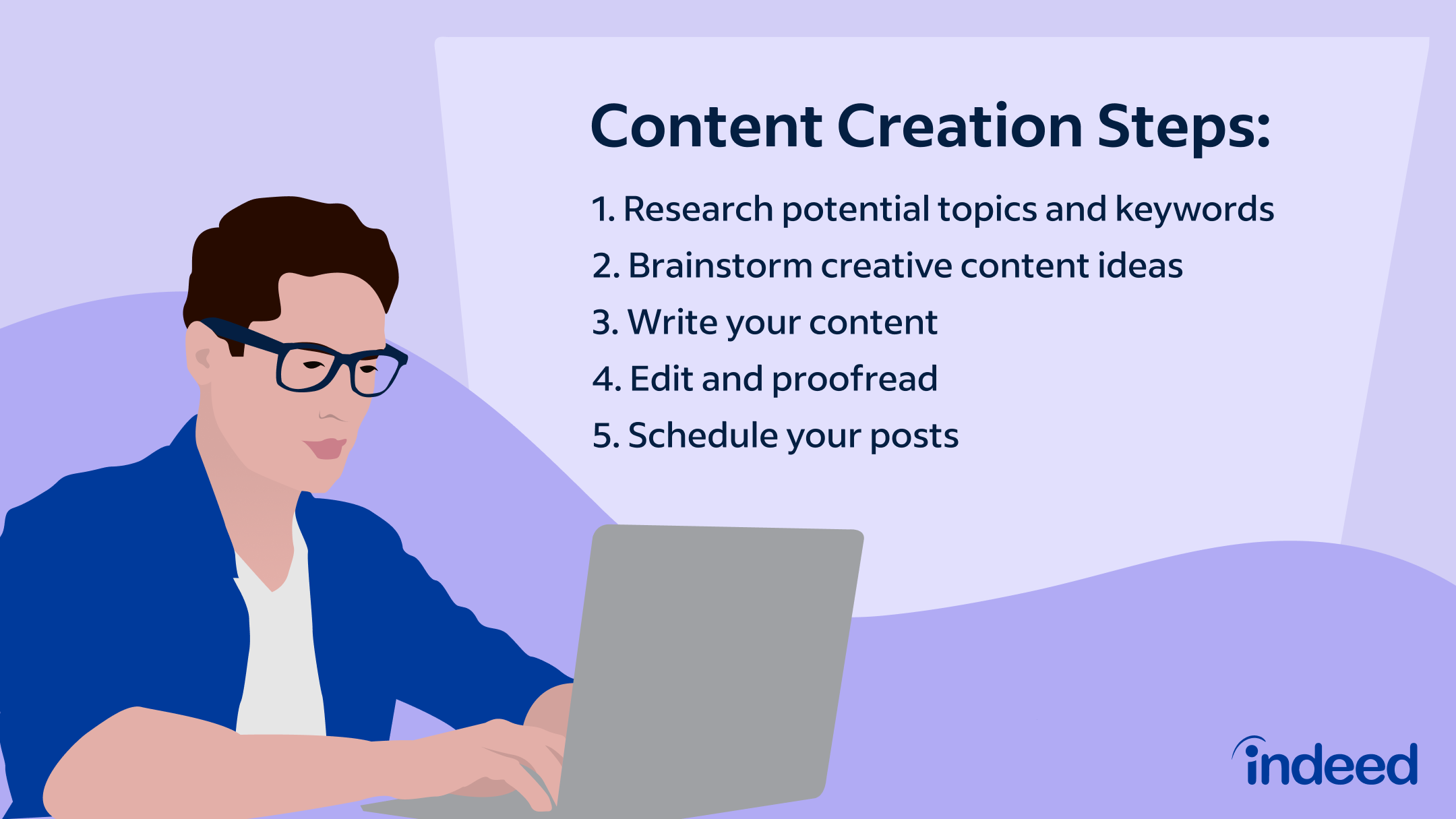 🧠 6: Content Creation
Prepare engaging and SEO-friendly content.
✅ Include:
-
Text (Headlines, Service details, About info)
-
High-quality images & graphics
-
Videos or animations
-
Calls-To-Action (e.g., “Contact Us”, “Shop Now”)
📈 Tip: Use keywords strategically for better Google ranking.
 🧰 7: SEO Optimization
Optimize your website for search engines.
On-Page SEO:
-
Use title tags, meta descriptions
-
Optimize images (alt text, compression)
-
Internal linking
-
Mobile optimization
Off-Page SEO:
-
Build backlinks
-
Share on social media
🛠 Tools:
Google Search Console, Ahrefs, Semrush, Yoast SEO
 🔒 Step 8: Testing
Before launch, test everything.
✅ Check:
-
Responsiveness (Mobile, Tablet, Desktop)
-
Browser compatibility (Chrome, Edge, Safari)
-
Page speed (use Google PageSpeed Insights)
-
Links (no broken links)
-
Forms & buttons
 🚀 9: Launch Your Website
-
Buy a domain name (e.g., GoDaddy)
-
Choose a hosting provider (e.g., Hostinger, Bluehost)
-
Upload your site files or connect CMS
-
Set up SSL certificate (https://)
-
Submit to Google Search Console
 🧩 10: Maintenance & Updates
Keep your website healthy and up-to-date.
✅ Tasks:
-
Update plugins & themes
-
Regular backups
-
Monitor website traffic (Google Analytics)
-
Fix bugs
-
Add new content regularly
🏁 Bonus Tips
-
Maintain a consistent color scheme and typography
-
Ensure fast load times (<3 seconds)
-
Make navigation simple and intuitive
-
Include contact info on every page footer
-
Focus on user experience (UX)